Weekly AI Reporting Automation Template for Small Businesses
Weekly reports are useful only when they arrive on time, use the right numbers, and help your team understand what changed. The problem is that many small businesses still build reports manually by collecting data from spreadsheets, CRM tools, forms, email platforms, and support systems every single week.
A weekly AI reporting automation template helps you turn that manual routine into a repeatable workflow. Instead of copying numbers across tools and writing summaries from scratch, you can automate the data collection, generate an AI-assisted summary, and deliver a cleaner weekly report to the right people with less effort.
In this guide, you will learn how this template works, what tools you need, how to set it up, where human review still matters, and how to adapt it to your own operations. If you are new to the topic, start with our AI automation for small business guide, then review 15 practical AI automation workflow examples to see where reporting fits into a broader automation strategy.
Quick answer: Use this weekly AI reporting automation template if you want to collect business data, summarize weekly performance, highlight important changes, and send a clear internal report without rebuilding the same report manually every week.
What Is Weekly AI Reporting Automation?
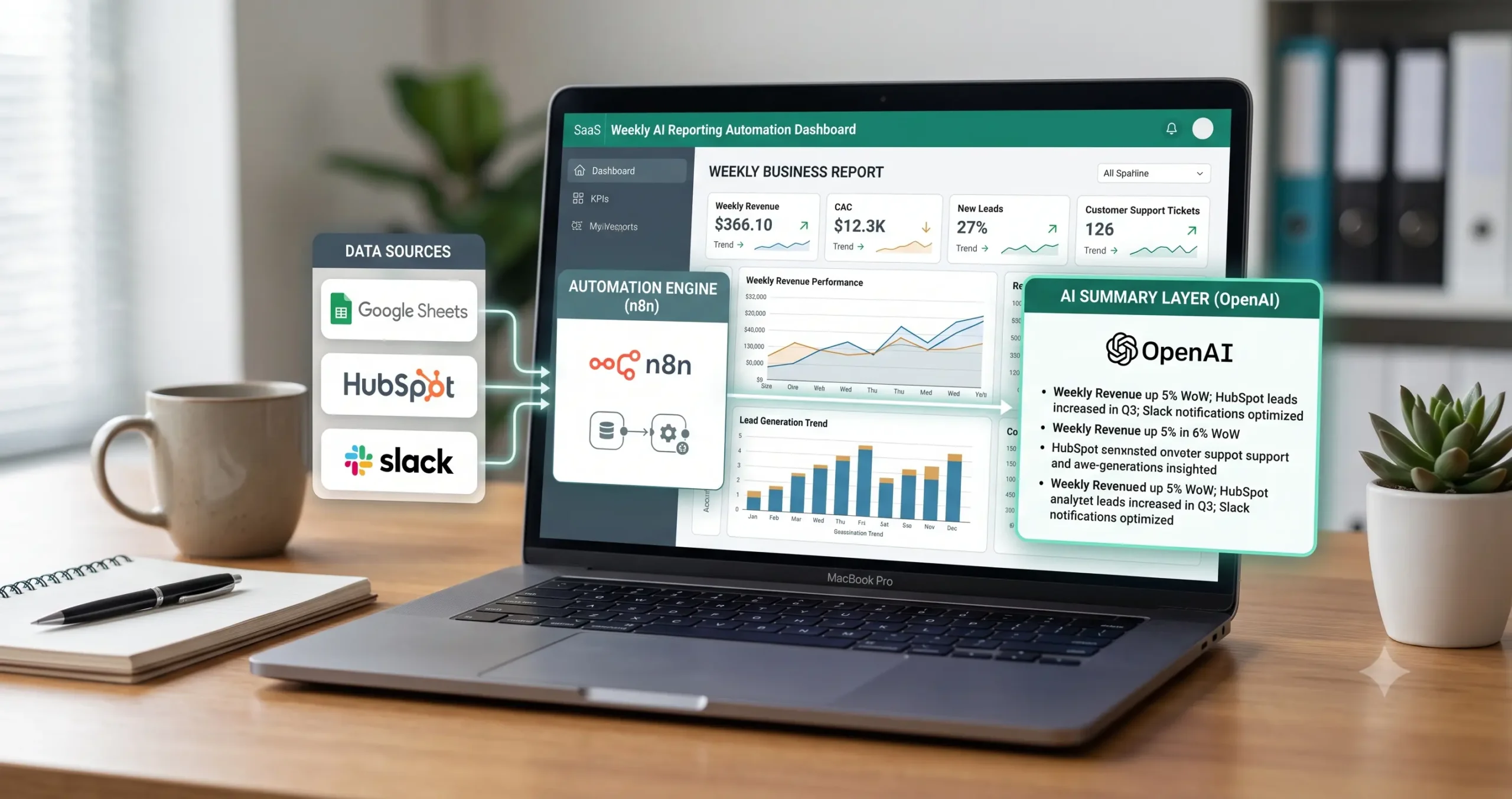
Weekly AI reporting automation is a workflow that collects business data on a schedule, prepares it for analysis, uses AI to summarize the main changes, and sends a report automatically to a manager, founder, operator, or team.
The goal is not to let AI replace your business judgment. The goal is to remove repetitive reporting work and make it easier to review the right numbers, spot changes faster, and communicate weekly performance more clearly.
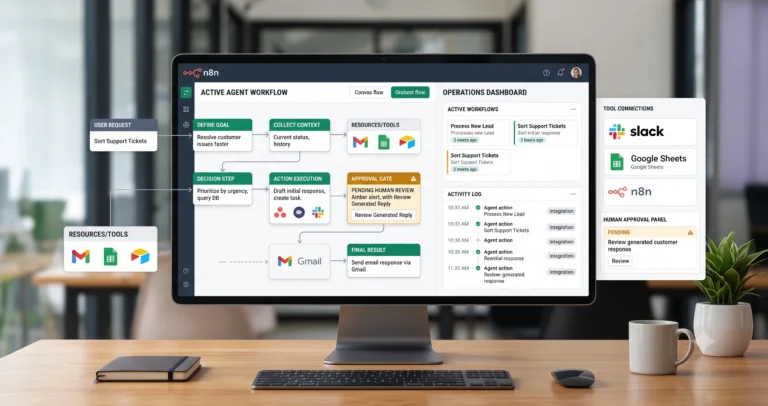
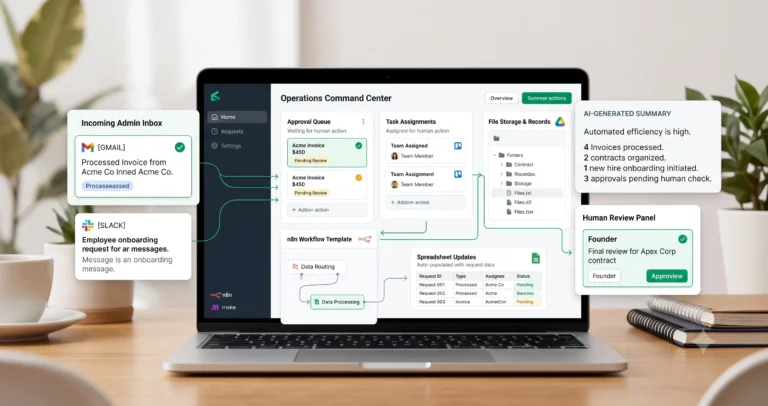
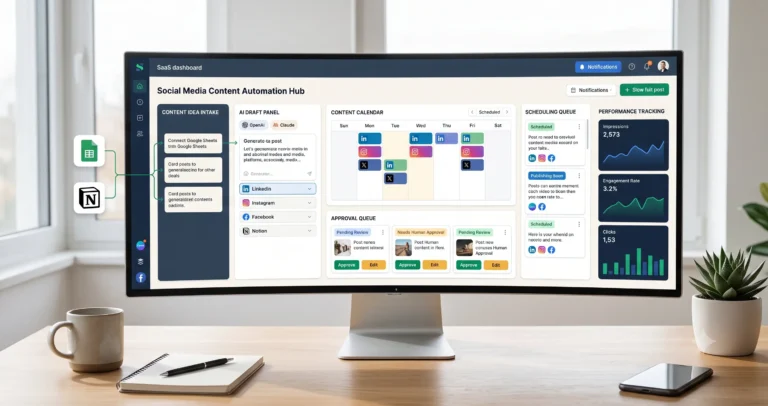
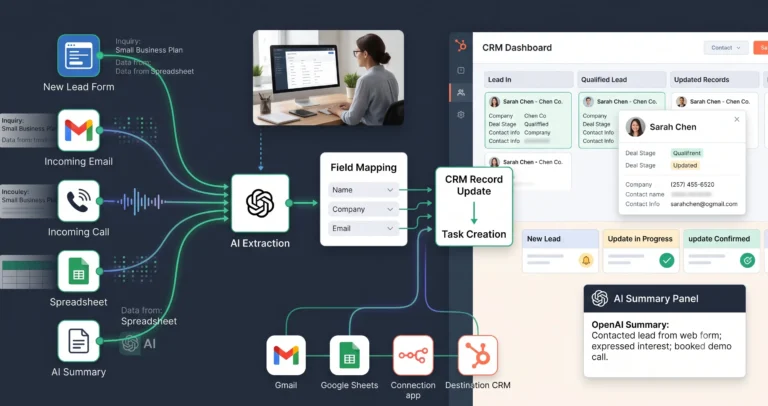
In practice, this kind of workflow often connects sources like Google Sheets, Airtable, a CRM, analytics dashboards, support tools, or form data. A workflow builder such as n8n, Make, or Zapier pulls the data together, then an AI model helps summarize trends, anomalies, or changes before the final report is sent.
Who Should Use This Template?
This weekly AI reporting automation template is useful for small businesses that already review some form of weekly performance and want to make that process faster, more consistent, and easier to scale.
- Agencies that report on leads, campaigns, or delivery metrics.
- Service businesses that track inquiries, booked calls, sales, or fulfillment activity.
- SaaS teams that want weekly summaries of support, usage, or pipeline activity.
- Operations teams that need recurring summaries of internal workflows.
- Founders who want one structured weekly update instead of checking multiple dashboards manually.
If your team is already asking questions like “What changed this week?”, “Did lead volume go up or down?”, “Which metrics need attention?”, or “Can someone send me a weekly summary every Monday?”, this template is probably a strong fit.
What This Template Does
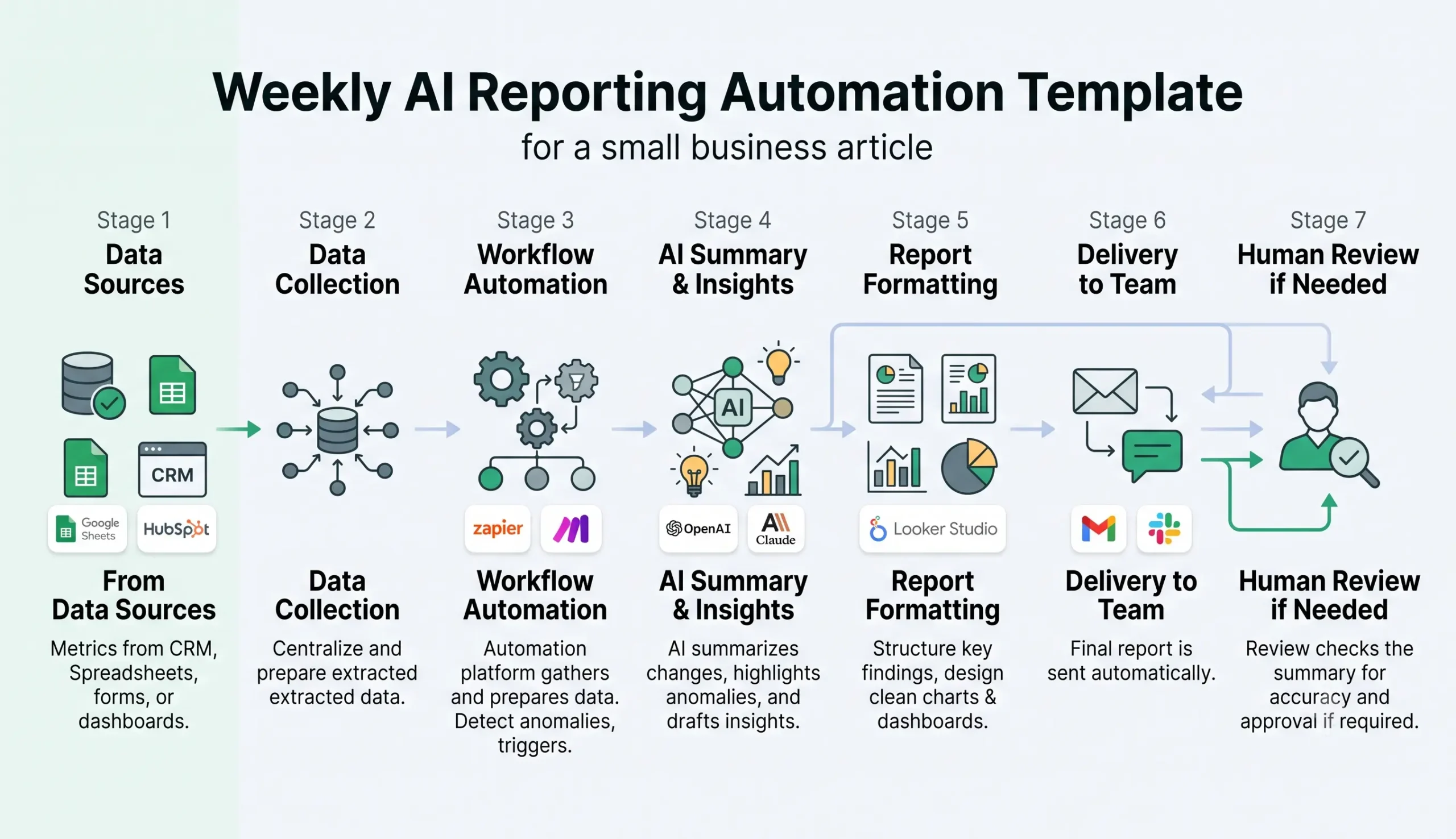
This template is designed to automate a common reporting pattern: collect data, clean it, summarize it, format it, and deliver it to the right people. The value is not only in the AI summary. The value is in making the whole reporting process repeatable.
| Step | What happens | Result |
|---|---|---|
| Collect data | The workflow pulls metrics from spreadsheets, CRM tools, forms, or dashboards. | Fresh weekly data is gathered automatically. |
| Clean inputs | The automation checks basic formatting, missing values, duplicates, or empty records. | The AI receives cleaner context. |
| Summarize with AI | The AI model explains what changed, highlights patterns, and drafts a useful report summary. | A readable weekly update is created. |
| Format report | The workflow turns the summary into an email, Slack message, Notion page, or internal report. | The report is ready to share. |
| Review or send | The report is either sent automatically or routed to a human for approval. | The team receives a consistent weekly update. |
This makes the template especially useful for recurring reports such as weekly sales summaries, support performance updates, marketing snapshots, CRM activity reports, and operations digests.
Recommended Tool Stack
You do not need one single “AI reporting tool” to build this system. In most cases, a practical reporting workflow uses a stack of connected tools.
1. Data sources
- Google Sheets
- Airtable
- HubSpot
- Notion databases
- Form tools
- Support platforms
- Analytics dashboards
2. Workflow builder
- n8n for flexible technical control.
- Make for visual scenario building.
- Zapier for simpler automation setups.
3. AI layer
- OpenAI
- Claude
- Gemini
4. Delivery layer
- Slack
- Notion page updates
- Internal dashboards
If you are still choosing the right mix of tools, read Best AI Automation Tools for Small Business. That guide explains how workflow builders, AI tools, CRM systems, and reporting tools fit together in a more complete stack.
Weekly AI Reporting Workflow Logic
The value of this weekly AI reporting automation template comes from the logic behind the workflow, not just the final message. A good reporting system follows a clear structure.
Step 1: Trigger the workflow on a weekly schedule
The workflow usually starts on a fixed day and time, such as every Monday morning. The trigger can be based on a scheduler inside n8n, Make, Zapier, or another workflow platform.
Step 2: Collect data from your selected sources
The automation retrieves the metrics you want to include in the report. These may include new leads, booked calls, closed deals, support tickets, response times, email performance, campaign metrics, and operational task counts.
Step 3: Clean and normalize the data
Before AI touches the content, the workflow should standardize the information. This may include removing duplicate rows, checking missing values, converting dates, or formatting KPI values so the AI receives a cleaner input.
Step 4: Calculate changes and patterns
A good reporting flow does more than repeat raw numbers. It should calculate week-over-week changes, identify unusually high or low values, and prepare the context that makes the report useful.
- Lead volume increased by 18%.
- Support ticket volume dropped by 9%.
- Response time worsened compared with the previous week.
- One channel produced most new leads.
Step 5: Generate an AI summary
Now the workflow sends the cleaned metrics into an AI prompt. The AI model should be asked to do a clear, limited task: summarize what changed, highlight notable trends, and explain the report in plain business language.
Prompt principle: Ask AI to summarize the provided data, not to invent business conclusions. Good reporting automation depends on clean inputs, clear metrics, and careful review.
Step 6: Format and deliver the final report
The final output can be formatted as a Slack message, email summary, Notion page update, Google Doc draft, or internal reporting record. For low-risk internal summaries, the workflow may send the report automatically. For sensitive reports, keep a human approval step.
Inputs and Outputs
| Input | Example | Why it matters |
|---|---|---|
| CRM data | New leads, deals created, closed deals, pipeline movement. | Shows sales activity and pipeline changes. |
| Support data | New tickets, urgent issues, unresolved requests, response time. | Shows customer support workload and quality signals. |
| Marketing data | Email clicks, landing page conversions, campaign leads. | Shows whether acquisition activity is improving. |
| Operations data | Tasks completed, delayed projects, onboarding status. | Shows internal progress and bottlenecks. |
| Spreadsheet data | Custom KPIs, weekly notes, manual metrics. | Allows small teams to start without a complex analytics stack. |
Typical outputs
- A weekly report message.
- A summarized performance digest.
- A highlighted list of anomalies or changes.
- Recommendations for follow-up review.
- Stored records for future reporting.
How to Set Up the Template
Start with a narrow version. Do not try to automate every report in the business at once. A focused weekly report is easier to test, improve, and trust.
1. Choose one reporting use case first
Pick one report type, such as weekly leads, weekly support volume, weekly sales performance, or weekly operations progress.
2. Define the exact metrics you want to include
List the KPIs clearly. Decide which ones are required, which comparisons matter, and which metrics should trigger attention if they move sharply.
3. Pick the source of truth for each metric
Make sure every number comes from a clear source. If one KPI exists in three different systems, choose which source the automation should trust.
4. Build the automation flow
Connect the schedule trigger, data source steps, transformation logic, AI prompt step, and delivery step. Keep the flow simple first, then expand it later.
5. Write a restrained AI prompt
Copy-paste prompt structure:
You are preparing a weekly business report for a small business. Use only the data provided. Do not invent missing numbers. Summarize the main changes, notable patterns, possible anomalies, and items that need human review.
Report context:
Business function: {{business_function}}
Reporting period: {{reporting_period}}
Previous period: {{previous_period}}
Metrics: {{metrics_table}}
Important notes: {{manual_notes}}
Return:
1. Executive summary
2. Main metric changes
3. Positive signals
4. Warning signs or anomalies
5. Missing or unreliable data
6. Suggested follow-up questions
7. Human review note
6. Test before relying on it
Run the workflow with historical or sample data. Compare the AI-generated summary against the source numbers and verify that the logic is correct before using it in a live reporting process.
Where Human Review Matters
AI can help summarize reports, but it should not be treated as a replacement for business oversight. Weekly reporting often influences decisions, priorities, or communication with managers and clients. That is why human review still matters.
Keep a human in the loop when the report includes sensitive revenue data, client-facing information, unusual metrics, high-impact recommendations, or anything that could trigger a business decision without proper context.
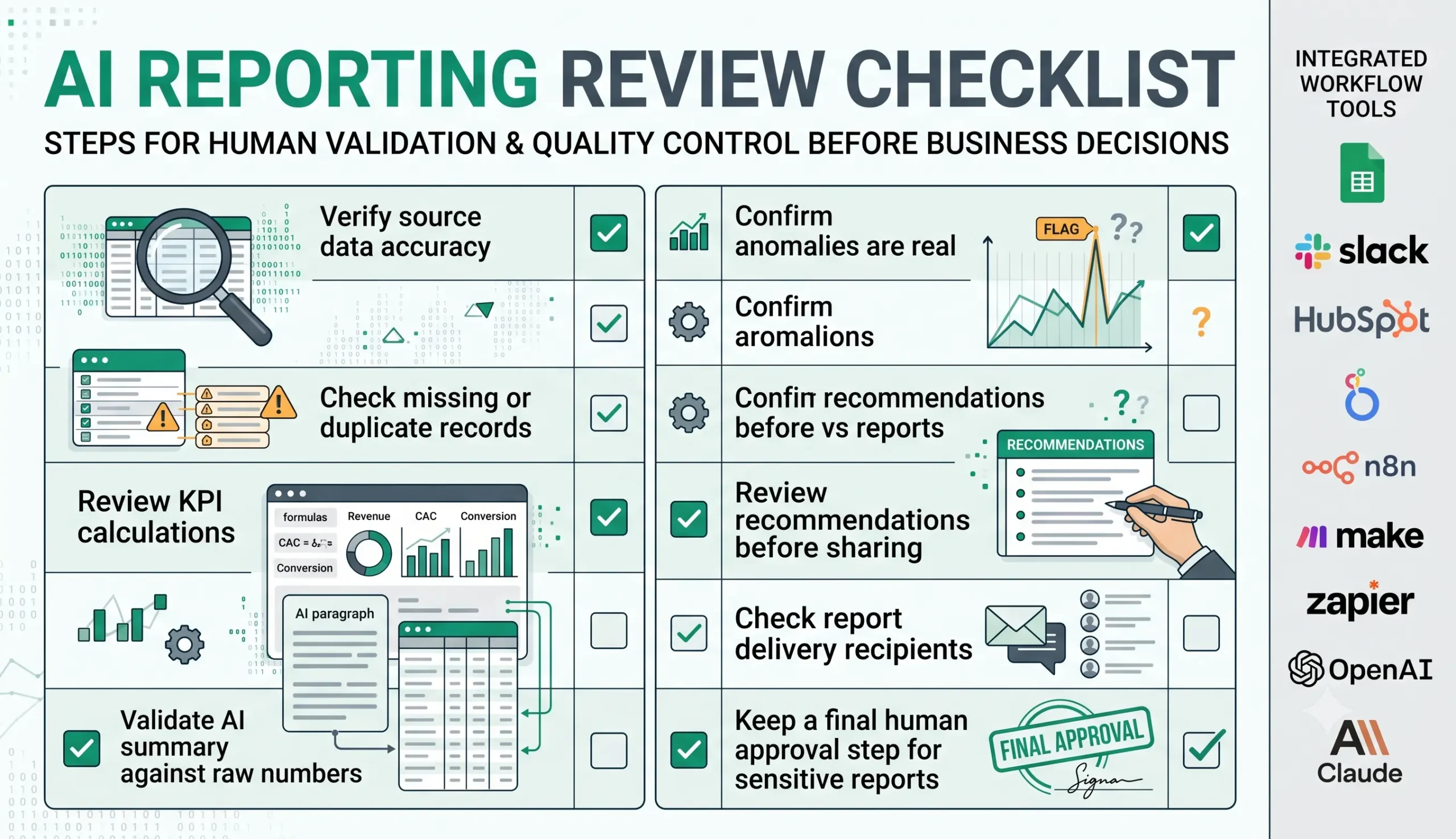
Testing Checklist
Before using this weekly AI reporting automation template in production, test both the workflow and the report quality.
| Check | What to verify |
|---|---|
| Source connection | All data sources are connected and returning the correct records. |
| Missing data | The workflow handles empty rows, missing fields, or unavailable tools safely. |
| Duplicate records | The report does not double-count leads, tickets, deals, or tasks. |
| KPI calculation | Week-over-week changes and totals are calculated correctly. |
| AI summary | The summary matches the source data and does not invent causes. |
| Delivery | The report goes to the right person, channel, or approval step. |
| Human review | Business-critical reports are reviewed before decisions are made. |
Customization Ideas
Once the base workflow works, you can expand it in useful ways.
- Add week-over-week and month-over-month comparisons.
- Send reports to different teams based on department.
- Create different summaries for founders, managers, and operators.
- Flag unusual changes above a specific threshold.
- Store all reports in Notion or Google Drive for future review.
- Combine multiple data sources into one operational report.
- Create separate templates for sales, support, marketing, or fulfillment.
If you want to explore more practical automation patterns before building your own reporting flow, review 15 practical AI automation workflow examples.
Common Mistakes
Many reporting automations fail because the workflow is technically connected but operationally weak.
| Mistake | Why it hurts | Better approach |
|---|---|---|
| Using bad source data | The AI summary becomes unreliable even if the workflow runs correctly. | Clean and validate inputs before summarization. |
| Automating too many KPIs | The report becomes noisy and hard to use. | Start with the few metrics that matter most. |
| Using vague prompts | The output becomes generic and repetitive. | Ask for specific changes, anomalies, and review notes. |
| Skipping human review | Bad summaries can influence decisions or client communication. | Keep approval for sensitive or high-impact reports. |
| No failure handling | The report may send incomplete information when a data source fails. | Add checks for empty data, failed API calls, and missing records. |
Which Platform Should You Use?
The right workflow platform depends on how technical your team is and how much control you need.
- Zapier is often easier for simpler task automation and straightforward app-to-app connections.
- Make is often a better fit when you want visual scenario design and more flexible branching.
- n8n is strong when you want deeper control, more custom logic, and a workflow system that can grow with technical needs.
If you are comparing these options, the best related reads are n8n vs Zapier, n8n vs Make for AI automation, and Make vs Zapier. For the broader view, start with Best AI Automation Tools for Small Business.
FAQ
What is a weekly AI reporting automation template?
A weekly AI reporting automation template is a repeatable workflow that collects business data on a schedule, prepares it, generates an AI-assisted summary, and sends a report automatically.
Can small businesses use AI for weekly reporting?
Yes. Small businesses can use AI for weekly reporting when they already track useful data and want to reduce manual reporting work. The most reliable setups still keep human review where the report affects decisions or external communication.
What tools can I use to build this template?
Common options include n8n, Make, or Zapier as workflow builders, plus data sources such as Google Sheets, Airtable, or a CRM, and an AI model such as OpenAI or Claude for summarization.
Should AI-generated reports be reviewed by a human?
In many cases, yes. AI summaries should be reviewed when the report contains sensitive information, important KPIs, unusual numbers, or decisions that require business judgment.
What should a weekly AI report include?
A strong weekly AI report usually includes the main KPIs, week-over-week changes, notable patterns, anomalies worth checking, and a short explanation of what changed and why it matters.
Final Takeaway
A weekly AI reporting automation template can save time, improve consistency, and help small businesses understand their weekly performance with less manual effort. The real value comes from combining clean data, good workflow logic, a restrained AI prompt, and a sensible review process.
If you are still building your reporting foundation, start with AI automation for small business. Then study 15 practical AI automation workflow examples, explore Best AI Automation Tools for Small Business, and compare platforms in our Tool Comparisons section.
This template is a strong next step if you want reporting to become a repeatable system instead of a recurring manual task.